Personal
Personal workspace
Start on your own and add a team space later
 Yazora
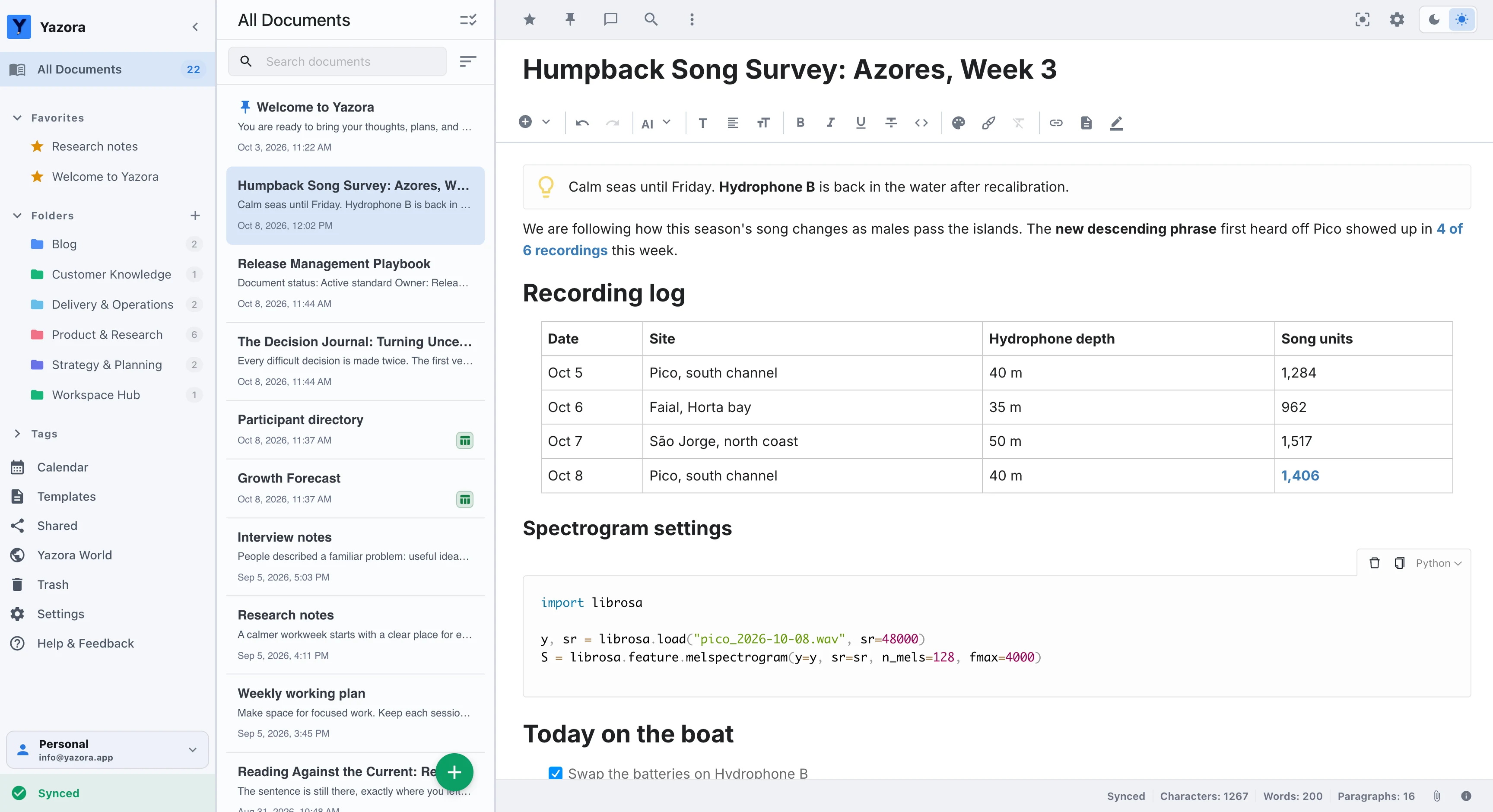
Edit your notes, documents, tables, and drawings in one workspace. Work on your own or with your team, and decide what gets shared.
Inside Yazora
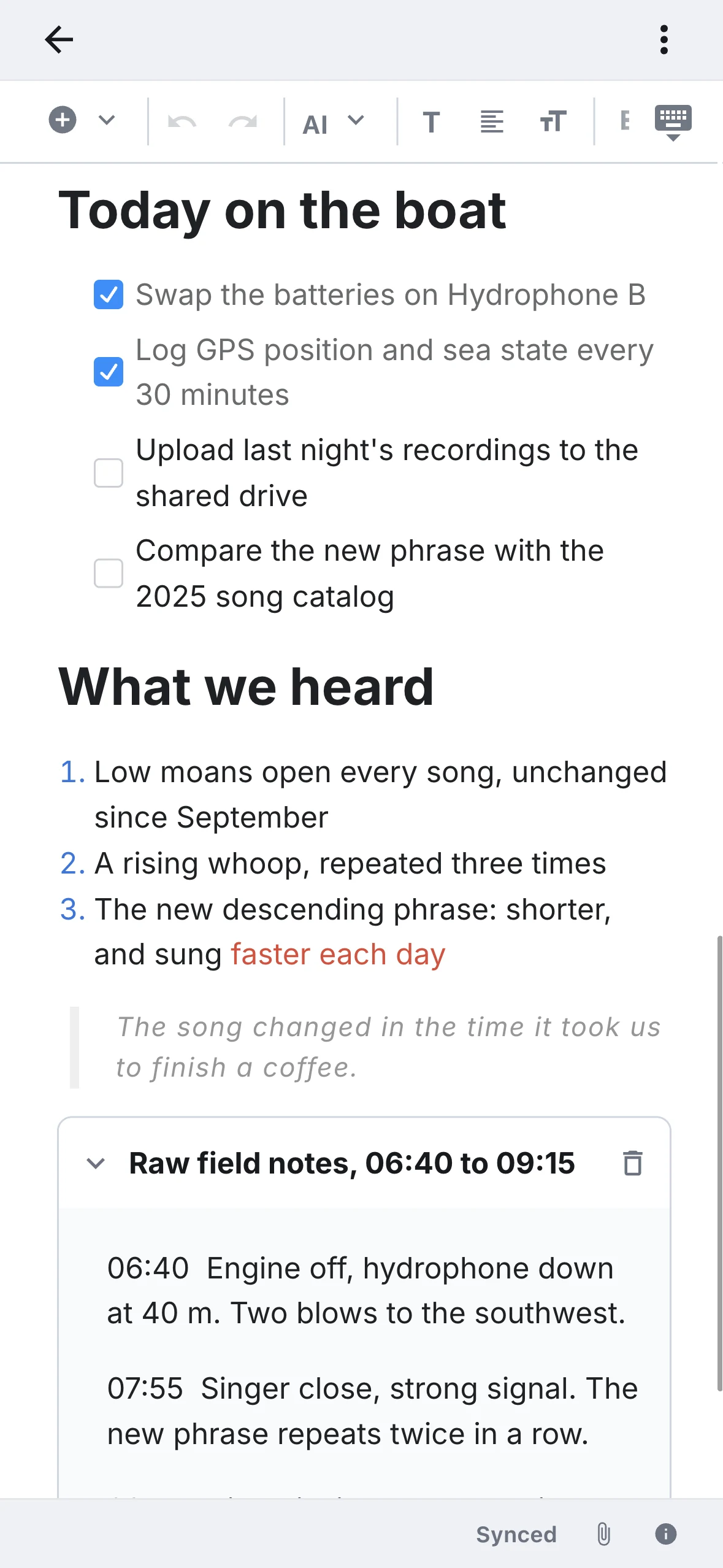
Start with a single note. Add plans, sources, and teammates as the work grows.
Turn research notes into readable, connected documents you can keep building on.

Calendar · on paid Personal plans
Make time in your calendar and connect your working notes. Explore the details in a spreadsheet or on a drawing board.

Live collaboration · on paid Team plans
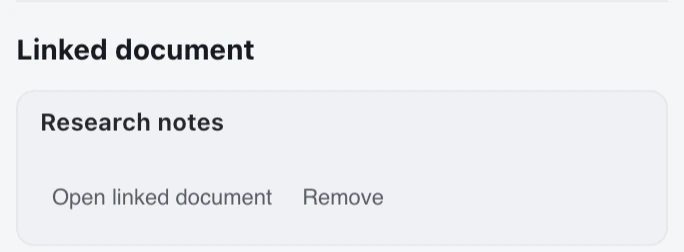
Edit alongside your team and keep feedback right next to the work.


Import existing work, organize your sources, and reuse the structures that help you.

Works without internet
Every change is saved on your device first. When you’re back online, your other devices catch up on their own.
Manage your own work in a Personal workspace and run team projects in a shared one. Each workspace keeps its members, documents, and access rules separate.
Personal
Start on your own and add a team space later
Team
Invite people by email and manage admin or member roles
Move between workspaces while keeping personal and team knowledge separate
On paid plans
Summarize, fix, translate, or reshape a selection or the whole document. Preview the result before applying it.
Your work stays yours
Import what you already have. Export, back up, or roll back whenever you need to.
Import Word, Markdown, and spreadsheets. Scan text in images into editable content.
Export documents as Word, Markdown, HTML, or PDF.
Back up your documents and folder structure, then restore them when needed.
Review and restore document versions within your plan’s retention period.
Access and publishing
Give each person view or edit access. When the document is ready, publish that version as a read-only link; later changes remain private until you choose to update it.
Set view and edit permissions separately for every person
Create a read-only web link from a finished document
Update the published version, rotate its link, or stop publishing
Pricing
Free plans have no time limit. Paid plans add storage, devices, AI, and longer version history.
A private workspace for notes, boards, and everyday knowledge that saves changes to your device first.
5 GB of Personal file storage with the full Pro feature set.
$49.99 USDper year
Subscribe in the mobile app
Subscriptions are purchased and managed through the App Store or Google Play. Your store shows the final regional price and currency; Yazora does not accept card payments on the web.
Personal Free includes documents, Drawing Boards, Spreadsheets, and 250 MB of file storage. Free Team includes five people, counting the owner, and 250 MB of shared storage.
Open and edit documents on your device, or create new ones. Pending changes sync when you reconnect. AI, live collaboration, and content not yet downloaded to your device require a connection.
It works with the text you select or the whole document you choose. Review the result before applying it. AI is available under your active workspace’s paid plan and monthly usage quota.
Import Word, Markdown, HTML, TXT, and supported spreadsheet files. Export documents, or back up and restore your documents and folder structure.
Subscriptions are purchased and managed through the App Store or Google Play. Your store shows the final regional price and currency; Yazora does not accept card payments on the web.
Web, desktop, iOS, and Android. Your documents stay in sync across all of them.
It’s free, works offline, and nothing is shared until you decide.
Start for free